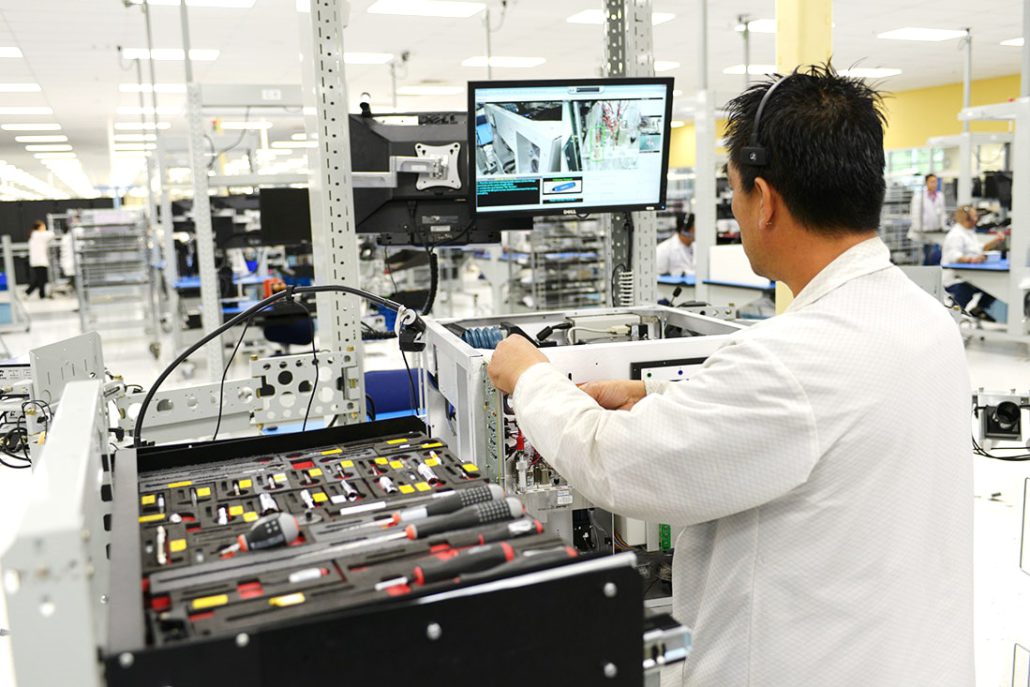


vPoke is a computer directed system that contains assembly sequences and images of parts, tools, and completed examples. It utilizes custom part trays that hold the parts in sequence that are required to build a single unit. No slot in the tray is left empty, so operators can be confident there are no missing parts at the start of the build. When the operator successfully completes a step, vPoke validates the work and creates a visual image, automatically storing the information electronically for use in the device history record. vPoke allows the operator to continue with the assembly process only when the current sequence is successfully completed and the operator audibly confirms validation. By engaging the operator through interactive activities and multiple senses of sight, sound, and touch, vPoke improves the operator’s concentration and enhances their involvement.
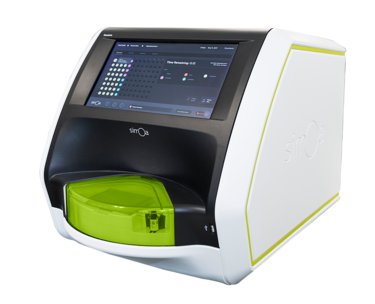
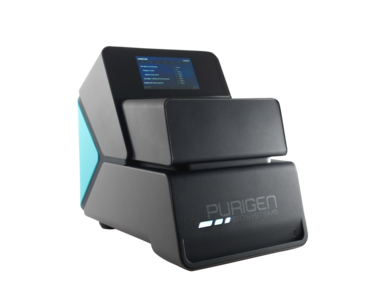
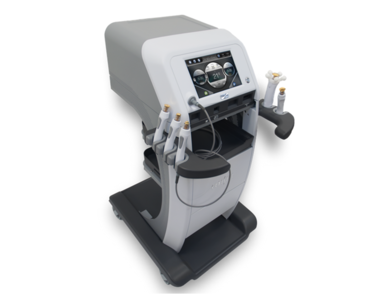
vPoke® Advantages
- Simplifies complex assembly into hundreds of individual steps. Comparative images and control mechanisms prevent operators from moving to the next step unless the previous step is completed, validated and recorded
- Ensures each unit is built identically using the same sequences, tolerances, and parts—regardless of the operator.
- vPoke controls all work inputs into a basic element of work, forces conformance to established criteria and sequences, automatically and securely documents everything for easy future reference.
- Precisely repeatable sequences are scalable for volume and product complexity. The system can be configured as an inline process, a single workstation process,or an in-place system fed by subsystem
- vPoke technicians are trained and certified by sequence with access to build strictly controlled.
vPoke® in Action
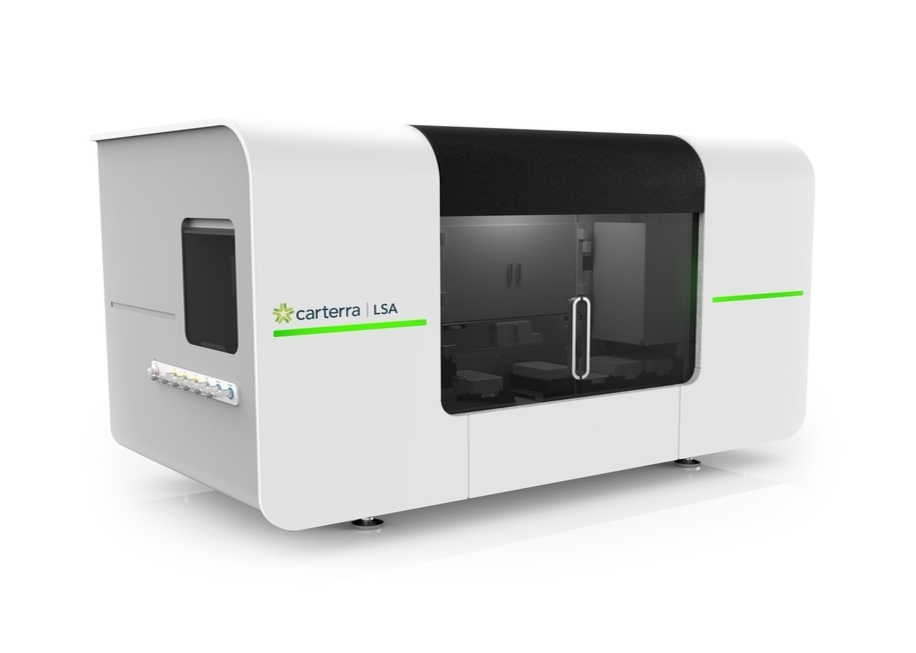
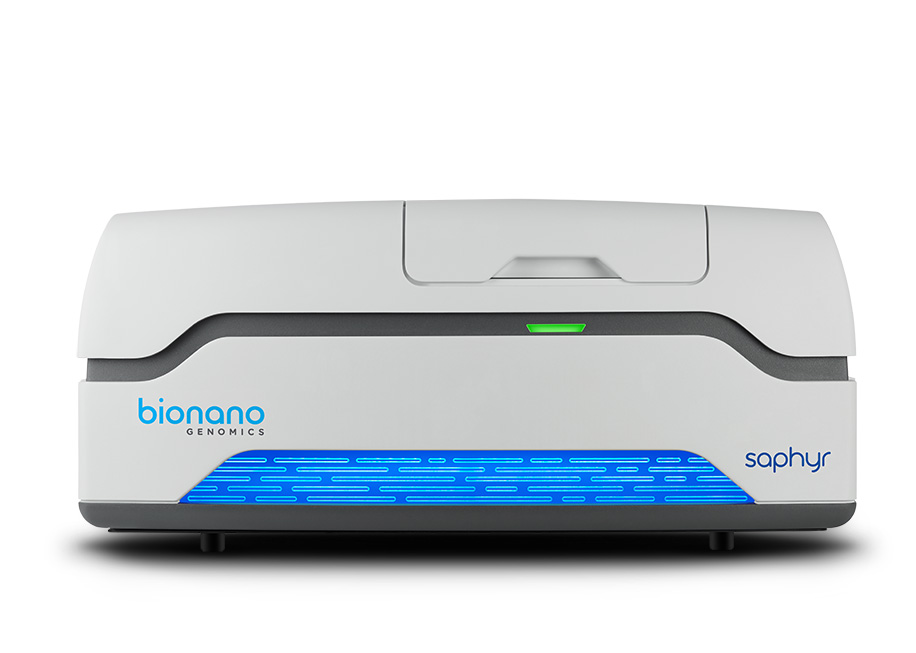
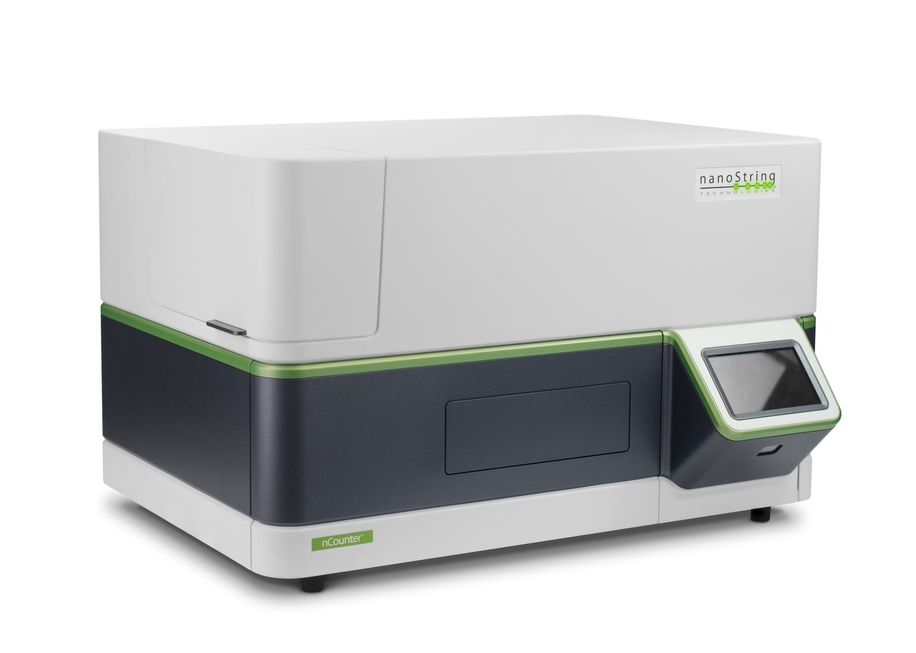
vPoke computer directed mechanical assembly providing 100% traceability and zero defects for complex medical device and life science instruments.